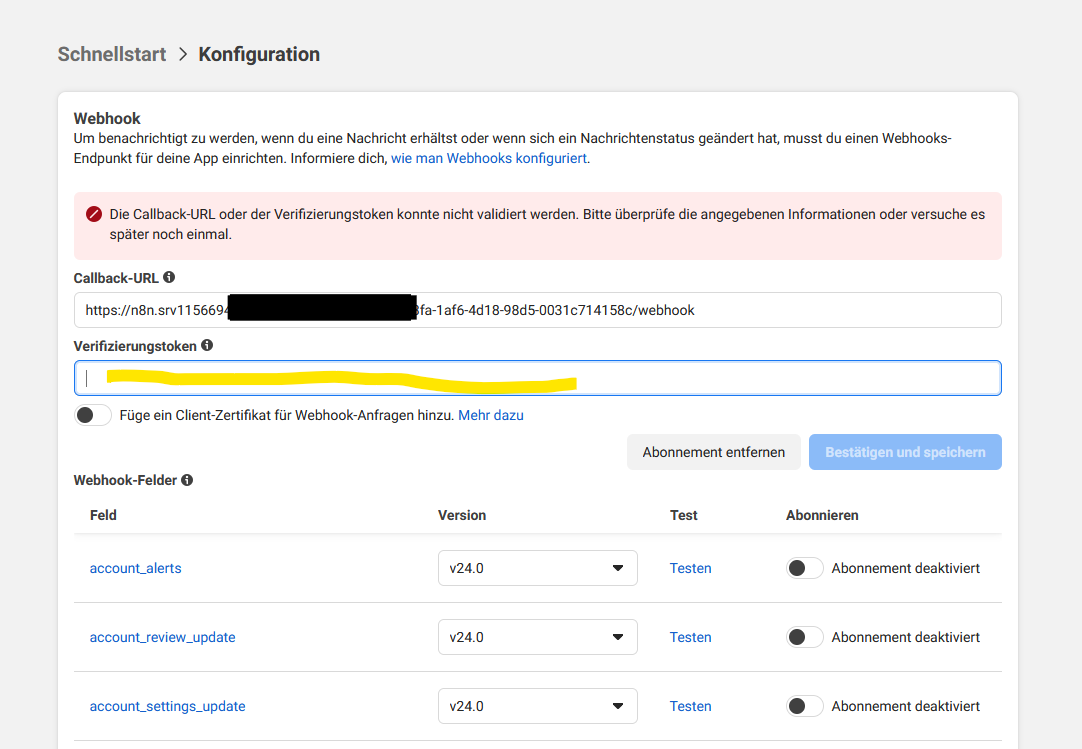
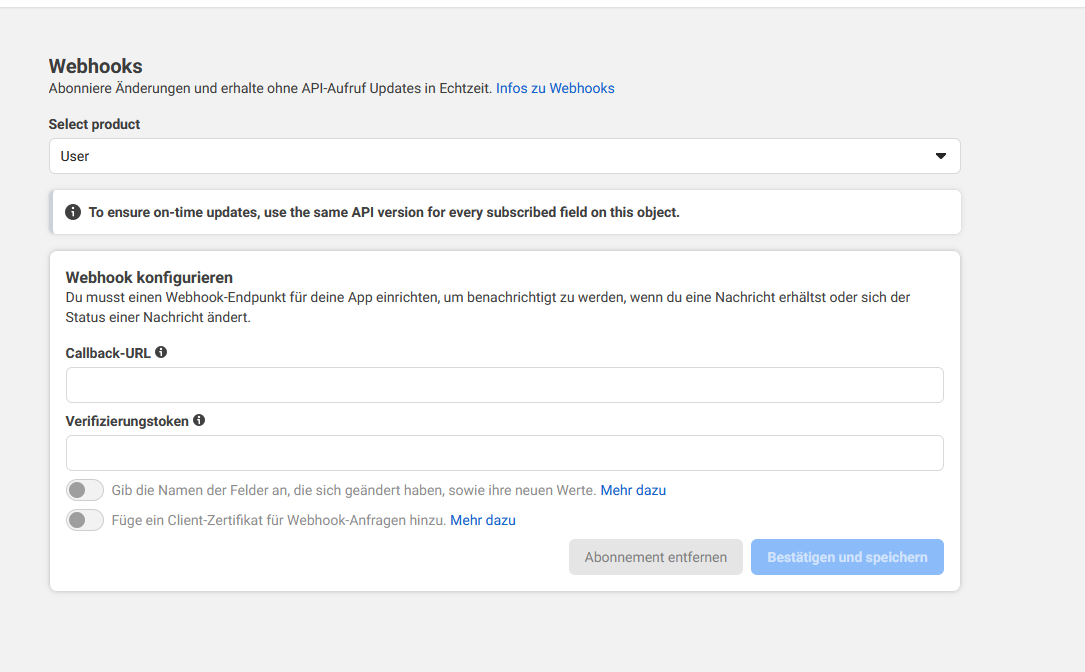
ok, I don’t find how to change language. So I’ll go with a french one. Here in configuration you should have a webhook url like https://instance name/webhook/random uuid/webhook
i saw the 2 Lines filled in the Configuration Tab
But now, when i execute the Workflow, n8n shows this Error:?
”Problem running workflow
*The WhatsApp App ID … already has a webhook subscription. Delete it or use another App before executing the trigger. Due to WhatsApp API limitations, you can have just one trigger per App.”
I use only 1 App in my Business Account
and i saw i could not save the Webhook on configuration tab. it shows i need to add a verification token again
Ok, now if you try to send a message to your Whatsapp number (either through the meta quick start page or through Whatsapp) and go to execution tab in n8n, you should see an execution.
This trigger is a bit tricky. Here you activated it for production so it runs as a normal execution. If you want to test it using the manual execution of n8n, you will need to de-activate the workflow and copy / paste the webhook test url (displayed in you whatsapp trigger node) to the Webhook configuration page in Meta. But the 2 modes (test and prod) can’t work simultaneously.
It’s whatever you want. Could be used on you side to check if the webhook is indeed coming from Meta and prevent malicious webhooks on your API.
Is messages activated on this page ?
Oh, I think I remember. To validate the webhook for test purpose you need it to return a specific payload for the first call to validate your endoint. See here : Getting Started - Webhooks from Meta - Documentation - Meta for Developers
The hub.challenge data passed in the webhook should be returned in the response.
It’s managed automatically by n8n when activating the workflow for production.
Did you manage to activate the Callback on Meta ? When you try to save the url, do you get the webhook on n8n side ? If not, it might also be an issue on your instance configuration.

 )
)