
 Hey n8n Community!
We just released the easybits Extractor as a verified community node on n8n, so I put together a quick video showing how to go from install to first extraction in under 2 minutes – no code needed.
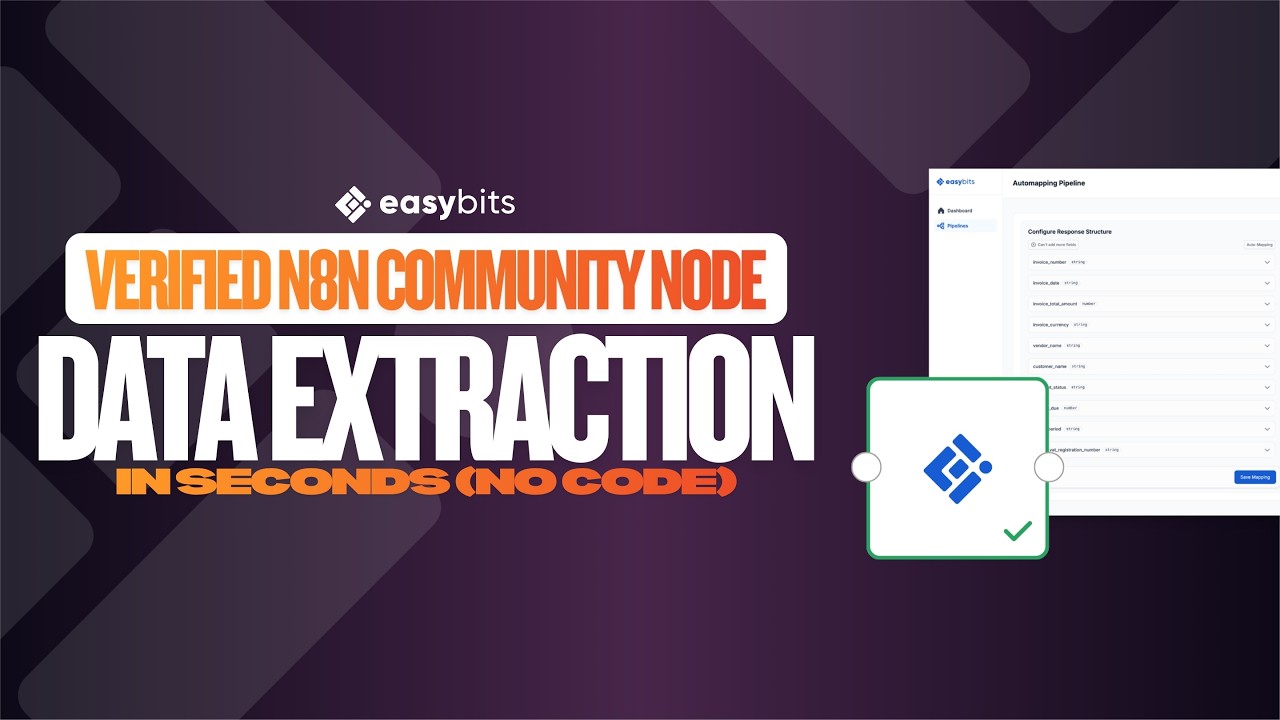
For those who prefer reading, here’s the step-by-step:
 How to get started
- n8n Cloud: Search for “easybits Extractor” in the node panel – it’s available out of the box, no installation needed.
- Self-hosted: Go to Settings → Community Nodes → Install → enter
@easybits/n8n-nodes-extractor. - Create your extraction pipeline and define your schema for free at easybits.tech.
- Drop the node into your canvas and connect it to any node that outputs a file – a Telegram Trigger, Gmail Trigger, n8n Form with file upload, or an HTTP Request.
That’s it – binary in, clean structured JSON out. No code, no post-processing.
For more details on configuration options and input types, check out our n8n integration guide.
Questions or feedback? Drop them below – happy to help!
Best,
Felix